

Business class used to mean a wider seat and better champagne. That's not why serious professionals pay for it anymore. The real value is four to eight hours of protected, connected work time — the kind you cannot buy in an economy cabin or a crowded airport lounge. I've watched clients close deals from 38,000 feet and I've watched others waste a $6,000 seat scrolling through in-flight movies because they never bothered to plan the workflow. This guide is about making sure you're the first kind of traveler.
Why Business Class Actually Works Better for Productive Flying
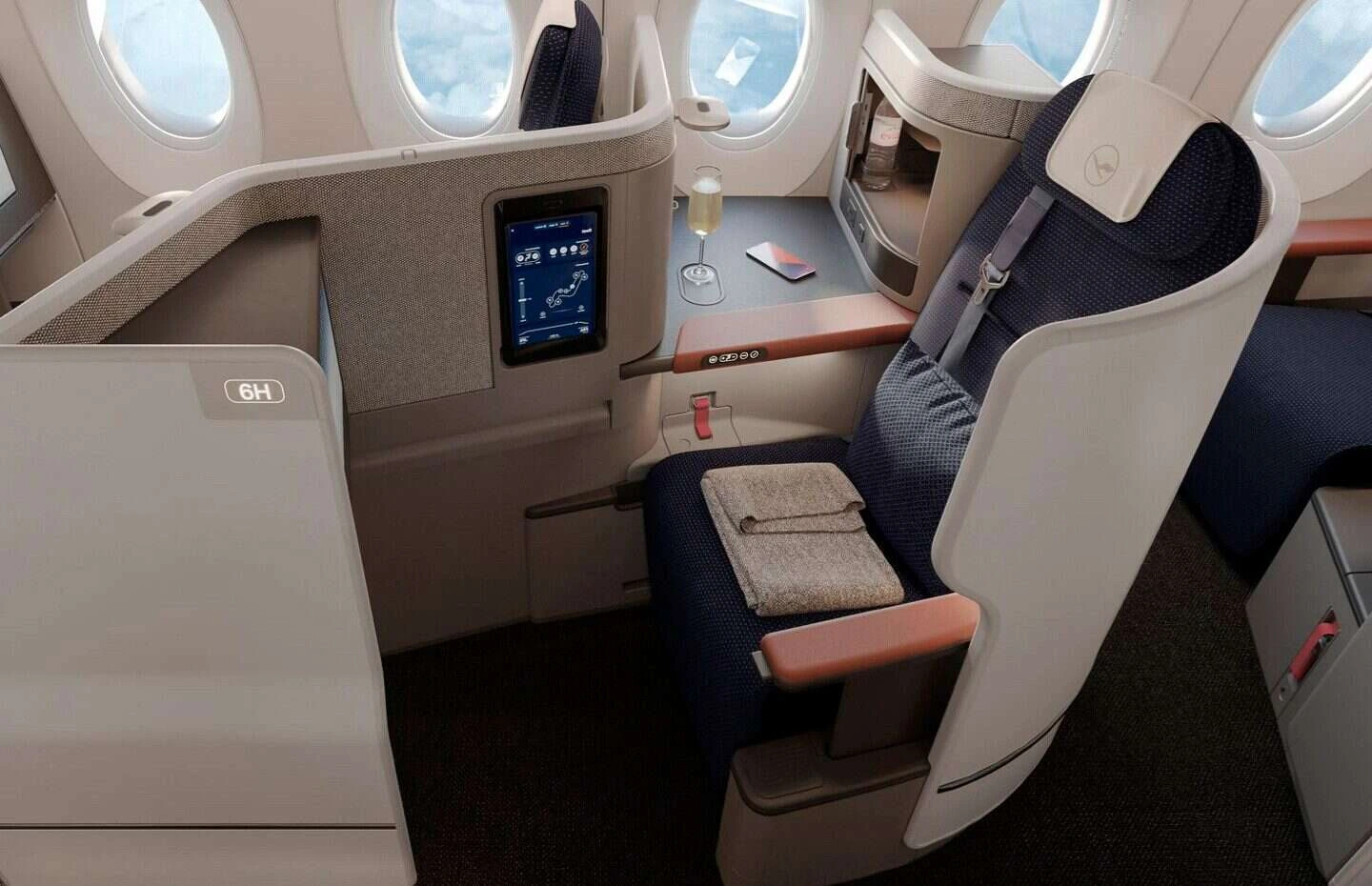
The math is simple once you've done it a few times. A red-eye from JFK to London in economy leaves most people useless for the first half of their meeting day. The same route in a suite with a lie-flat bed — say Delta One on the A350 — means you land having slept five real hours and answered your overnight emails before breakfast. That's not a luxury indulgence. That's a scheduling tool.
I'll say this plainly: if your day rate is anywhere north of $500 an hour, flying business class on a transatlantic or transpacific route pays for itself the first time it saves you a groggy, unproductive morning. The seat isn't the expense — the lost meeting is.
Wi-Fi Reliability: What to Expect by Airline
Wi-Fi is the single biggest variable people underestimate when booking a "productive" business class flight. The seat can be perfect and the connection can still be garbage over the North Atlantic or the middle of the Pacific.
Here's what I tell clients who need to be on a call mid-flight:
- Delta One: Viasat connectivity on the A350 and A330-900neo is genuinely good for email, Slack, and most video calls once you're above 30,000 feet and away from polar routes. - United Polaris: Starlink is being installed fleet-wide and where it's live, it's the fastest in-flight Wi-Fi I've tested — noticeably better than older Ku-band systems. - Qatar Qsuite: Strong on Gulf and Asia routes out of Doha, less predictable over parts of Africa. - Emirates: Reliable on A380 and 777 aircraft, with a flat per-flight fee model that's easy to budget for. - JetBlue Mint: Fly-Fi/Viasat is fast on the transatlantic A321LR runs to London and Paris — arguably the best Wi-Fi-to-price ratio in the sky right now.
My honest opinion: if a call absolutely cannot drop, book Delta One or JetBlue Mint on their newer aircraft before you book based on seat design alone. Connectivity beats legroom when the stakes are a client call.
Power Outlets, Workspace, and Seat Design Compared
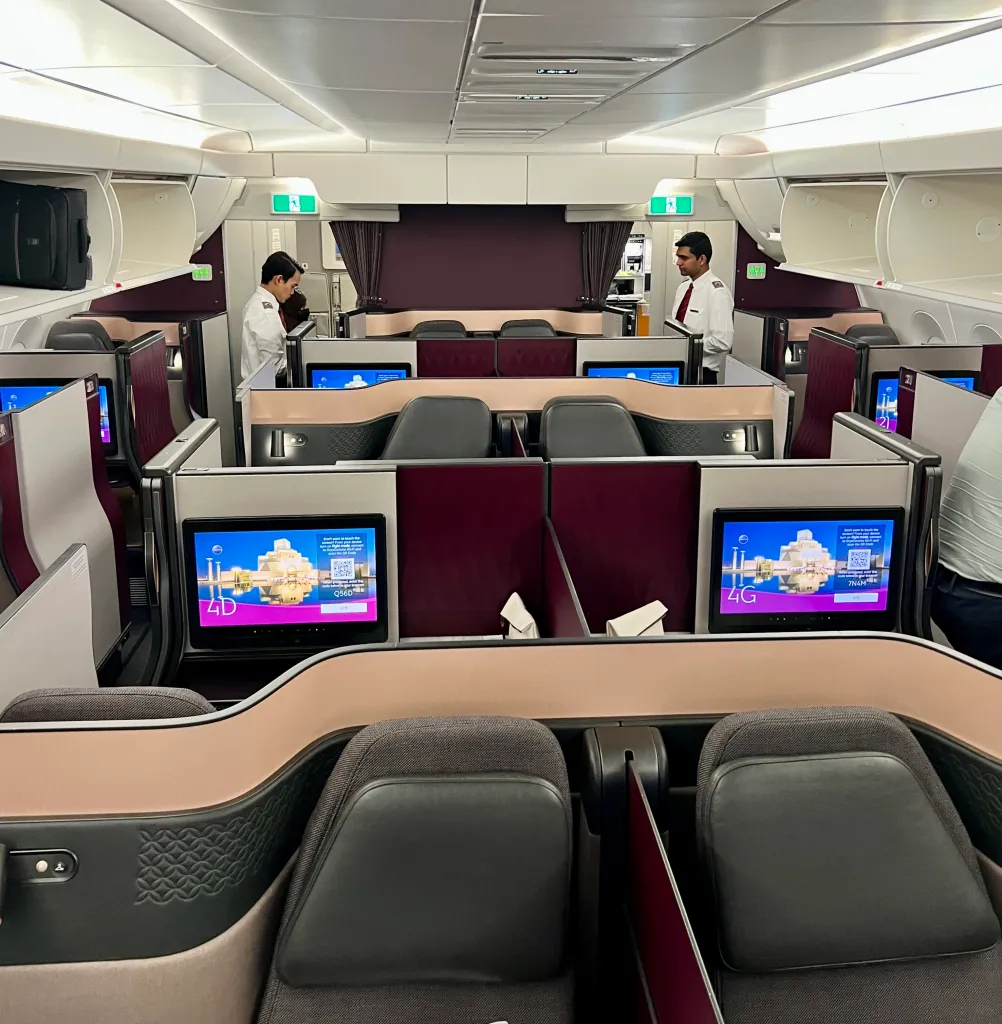
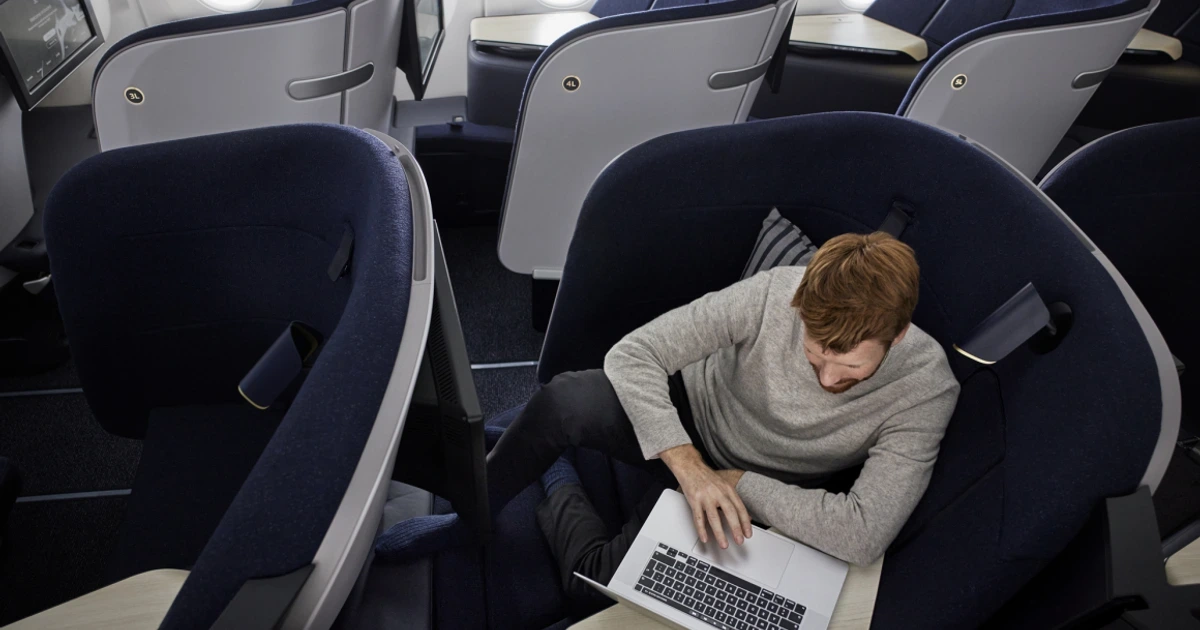
Power is table stakes now — every airline on this list gives you at least one AC outlet and USB port per seat. What separates a workable seat from a frustrating one is table geometry and shoulder room. Qatar's Qsuite tray table, for example, is genuinely large enough for a 15-inch laptop, a notepad, and a coffee cup without playing Tetris. Some open 1-2-1 seats force you to choose between the laptop and the drink.
| Airline | Seat Product | Privacy | Workspace Quality | Wi-Fi Reliability |
|---|---|---|---|---|
| Delta Air Lines | Delta One Suite | Sliding door, full enclosure | Excellent — stable desk surface | Very good (Viasat) |
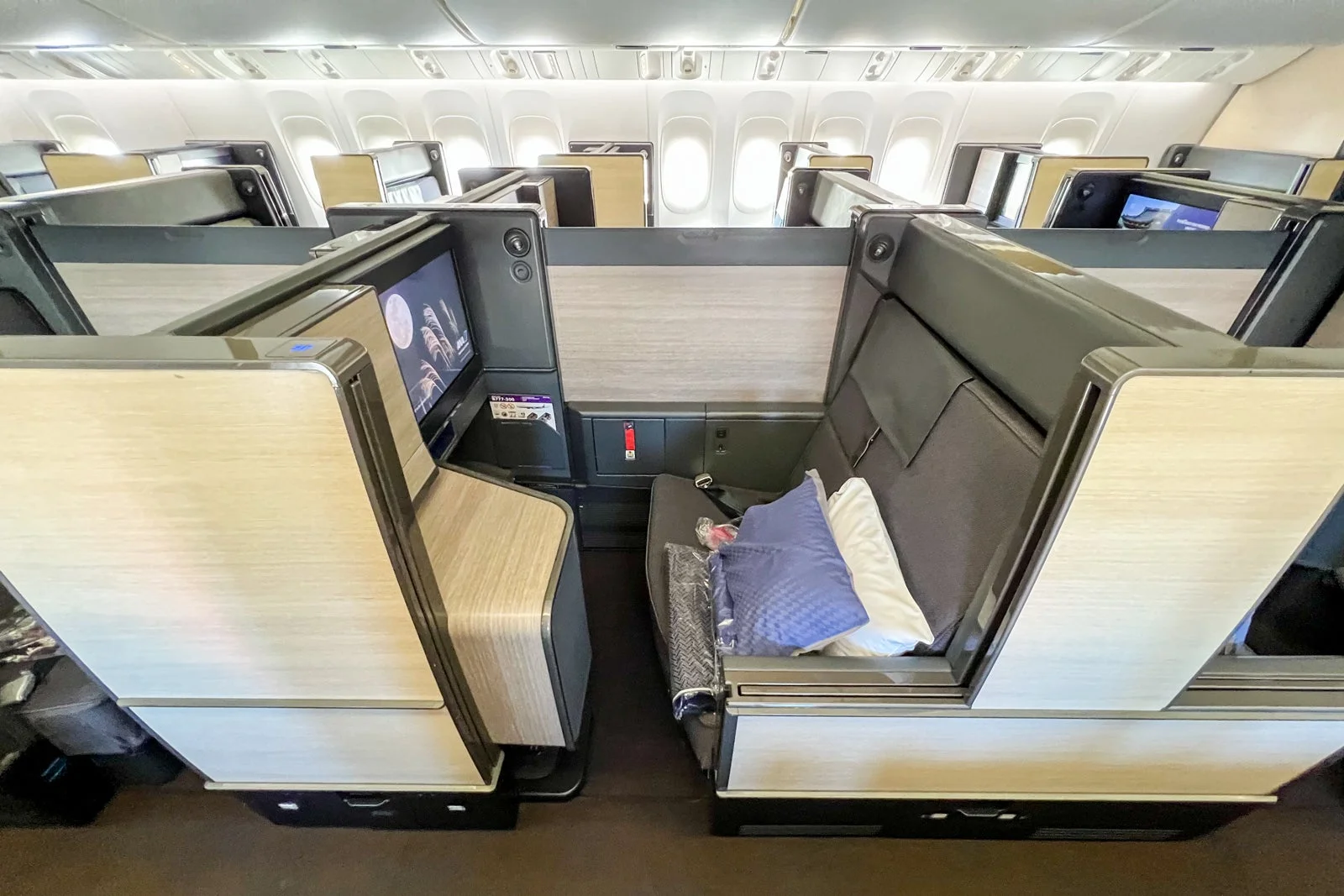
| United Airlines | Polaris Business | Open, direct aisle access | Good, slightly narrow table | Improving fast (Starlink rollout) |
| JetBlue Airways | Mint Suite | Sliding door on A321LR | Very good, compact but usable | Excellent on transatlantic routes |
| Qatar Airways | Qsuite | Fully enclosed, sliding door | Best-in-class, largest table | Strong on Gulf/Asia routes |
| Emirates | Business Class (A380/777) | Open, mini-bar at seat | Good, generous width | Reliable, flat-fee pricing |
If I had to rank pure "getting work done" ability, Qatar's Qsuite wins on desk space and privacy, Delta One wins on consistency across its fleet, and JetBlue Mint punches well above its price point for transatlantic road warriors.
Noise, Privacy, and the Sliding-Door Advantage
Noise-canceling headphones handle engine hum fine. They do nothing about the flight attendant leaning over your shoulder to ask about the beef or chicken, or the passenger next to you unwrapping a sandwich during your quarterly call. A door solves that in a way electronics can't.
This is where I'll push back on people who dismiss suite doors as a gimmick. They're not. Qatar's companion mode lets two Qsuites convert into a shared four-seat space, which is genuinely useful if you're traveling with a colleague and want a working session mid-flight rather than two isolated pods. Delta's version on the A350 and A330-900neo is simpler — one seat, one door, no negotiation needed — and that simplicity is exactly what a lot of solo business travelers want.
Pre-Flight and Lounge Strategy for Getting Ahead of the Workday
Nobody does their best work in the first 20 minutes after boarding — you're stowing bags, ordering a drink, getting settled. The smarter move is finishing your urgent items in the lounge, where the Wi-Fi is faster and the environment is calmer than the gate area ever will be.
United's Polaris Lounges at hubs like Chicago O'Hare and Newark have private phone booths that are frankly better for a 20-minute call than most airport meeting rooms I've used. Delta's ONE Lounge locations (currently at JFK and LAX, with more coming) skew more hospitality-forward but still have workable seating away from the crowd. Qatar's Al Mourjan Business Lounge in Doha is, in my opinion, the best on this list for actual work — it's enormous, quiet in the right corners, and rarely feels crowded even at peak connection banks.

Booking Smart: Where CEOFLIGHTS Adds Real Value
Here's where I'll be direct instead of diplomatic: booking straight through an airline website is almost never the smartest way to buy a premium seat. A round-trip Delta One fare JFK–LHR can list north of $6,000 published; through CEOFLIGHTS, clients have booked the identical A350 sliding-door suite for closer to $3,800–$4,200 depending on the travel window. Same seat, same door, same premium bedding — just a smarter purchase path.
The same holds for Qatar's Qsuite to Doha and beyond, and for Emirates' A380 business cabins to Dubai. We're not selling a different product. We're finding the fare the airline doesn't advertise on its own site, and matching it to the aircraft and seat configuration that actually fits how you plan to work on board.
If Wi-Fi reliability is your top priority, tell your CEOFLIGHTS advisor that up front — they can steer you toward the specific tail number and route combination (Delta's newer A350s over older 767s, for instance) rather than just booking "business class" and hoping.
Final Verdict: Which Business Class Is Best for Working Travelers
There's no single "best" seat for everyone — it depends on your route and what kind of work you're doing. Long-haul international with a hard deadline and zero tolerance for distraction? Qatar Qsuite. Regular transatlantic New York–London runs where value matters as much as comfort? JetBlue Mint is hard to beat. Need the most predictable experience across a wide network of hub airports? Delta One is the safe, consistent choice.
What I won't pretend is that every business class seat is equally good for working. It isn't. Open 1-2-1 layouts without doors are fine for sleeping and mediocre for a serious work block. If your trip is about output, not just comfort, the seat you choose should reflect that.
Ready to book the seat that actually fits your workflow instead of just your budget? Call CEOFLIGHTS at (888) 851 6897 and tell your advisor exactly what you need — a private suite for calls, guaranteed Wi-Fi, or the best fare on a specific route — and they'll find the fare the airlines don't publish.
